
How do I automate a complete production line for composite cans?
Practical guidance for composite cans: automate the limiting operation without creating a new bottleneck.
Direct answer
For composite cans, measure the present bottleneck and labour content before changing several settings at once. This is a packaging format where dimensions, material, centre of gravity, opening, closure and contact surfaces affect machine handling for composite cans. Use representative product and packaging, keep the order of results and identify the first point where the process moves outside the agreed limit. Then make one controlled change, repeat the same test and compare sustained good output rather than a single successful pack.
Operator touch time and constraint
Time manual handling, waiting and correction separately. Automation should remove a measured constraint or risk; automating a non-bottleneck can move the problem downstream.
Application measure: For container and pack handling, include dimensional variation, base stability, guide contact, scuffing, transfer gaps and damage rate.
Packaging Machines UK
Packaging machinery selection and directory.
What usually causes this?
- the current bottleneck has not been measured
- automation is added around an unstable manual process
- feeding and accumulation are underestimated
- operators, maintenance and exception handling are not included in the design
- the equipment or method is not configured for a packaging format where dimensions, material, centre of gravity, opening, closure and contact surfaces affect machine handling for composite cans.
Checks to make in order
- Measure the present bottleneck and labour content
- Stabilise the current method before automating it
- Define normal and abnormal product presentation
- Include feeding, buffering, rejects and replenishment
- Map operator and maintenance access
- Model phased and full automation options
- Test sustained output and recovery from stops
How to decide the next step
Composite cans is a packaging format where dimensions, material, centre of gravity, opening, closure and contact surfaces affect machine handling for composite cans. Use the measurements to decide whether the next action is a material or packaging change, a setting correction, a maintenance task, improved feeding or a different machinery principle.
If the process cannot achieve the required moving to automation result across the full product and pack range, compare the best-matched route against a written acceptance test. Include cleaning, changeover, operator work, rejects and recovery from normal stops.
What to include in your production brief
Supplying the information below makes it easier to distinguish a setup problem from a product, packaging, feeding, maintenance or machinery limitation:
- Pack drawing and representative samples
- Minimum and maximum dimensions
- Material, wall thickness and stiffness
- Opening, neck or sealing area details
- Required orientation and line direction
- Current and required good output
- Samples that represent composite cans
- A short video of the present process and fault
Relevant solution websites
The first route is the primary match for this question. Final suitability must be confirmed with samples, output, site and acceptance information.
Related questions
 Pack formats
What should I inspect on finished composite cans?
Practical guidance for composite cans: define a good pack and how defects will be detected and handled.
Read the answer → Pack formats
How do I reduce repeated line faults caused by composite cans?
Practical guidance for composite cans: turn recurring faults into controlled inspection, service and replacement actions.
Read the answer → Pack formats
How do I move from hand packing to automatic production for composite cans?
Practical guidance for composite cans: move from manual to semi-automatic and automatic production in sensible stages.
Read the answer →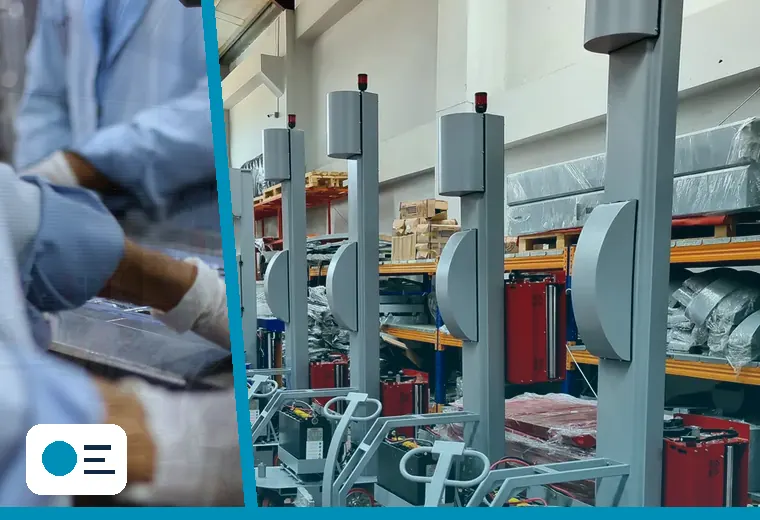 Pack formats
How do I automate a complete production line for corrugated cases?
Practical guidance for corrugated cases: automate the limiting operation without creating a new bottleneck.
Read the answer →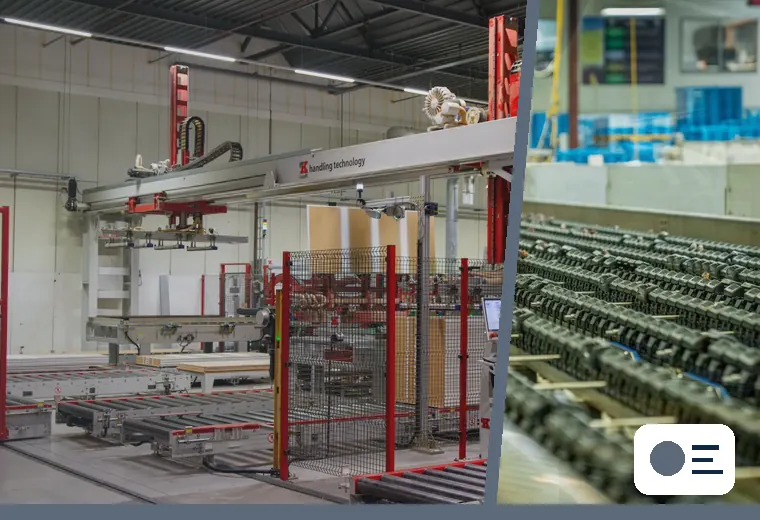 Pack formats
How do I automate a complete production line for cups with foil lids?
Practical guidance for cups with foil lids: automate the limiting operation without creating a new bottleneck.
Read the answer →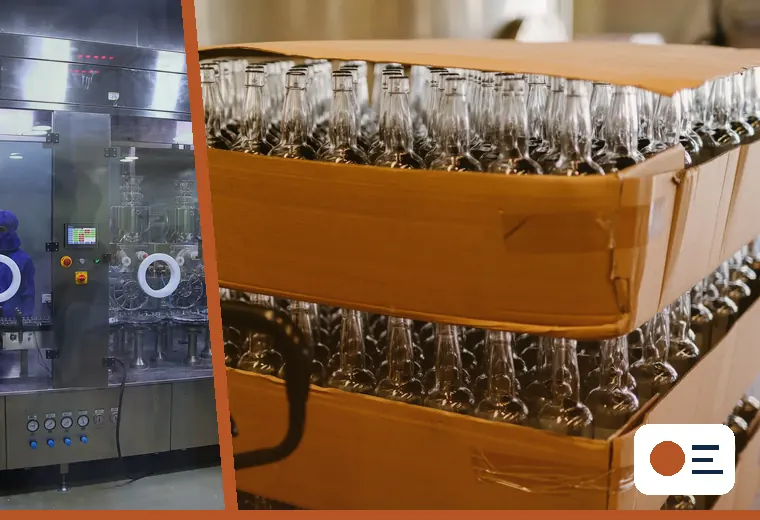 Pack formats
How do I automate a complete production line for display-ready trays?
Practical guidance for display-ready trays: automate the limiting operation without creating a new bottleneck.
Read the answer →